
Your toaster should open and close smoothly every time, but when it refuses to stay down, it can be both frustrating and inconvenient. Whether you’re trying to toast bread for breakfast or reheating pastries, a faulty toaster can throw off your entire morning routine. The issue often stems from simple mechanical problems—like worn springs, misaligned levers, or debris buildup—but in some cases, electrical faults may be involved. With the right diagnosis and a few basic tools, most of these issues are easy to fix at home without calling a repair technician.
Have you ever pulled down the lever on your toaster only to watch it bounce back up before your bread has had a chance to cook? Or worse—you press it down, hear a click, but the slots never fully close? It’s not just annoying; it’s a sign that something inside isn’t working right. When your toaster doesn’t stay down, it defeats the whole purpose: consistent, evenly toasted slices. But don’t worry—this is a problem many homeowners face, and the good news is, it’s usually fixable without spending money on a new appliance.
In this guide, we’ll walk through everything you need to know about why your toaster isn’t staying down. From identifying common causes like worn-out springs or clogged slots to diagnosing more complex electrical issues, we’ll give you practical, step-by-step solutions. Whether you’re dealing with a vintage model or a modern digital one, understanding the inner workings of your toaster will empower you to tackle repairs safely and effectively. By the end of this article, you’ll know exactly what’s going on—and how to get your kitchen back in order.
Key Takeaways
- Mechanical wear is common: Over time, springs and hinges in your toaster can weaken or break, preventing it from staying down properly.
- Dust and crumbs block movement: Food particles trapped in the mechanism can jam the lever or prevent full extension.
- Misaligned or stuck lever: If the lever isn’t moving freely, it may not engage the heating elements correctly or return fully.
- Faulty thermostat or bimetallic strip: Electrical components control timing and heat; damage here can affect operation.
- Power supply issues: Loose connections or tripped circuits might interrupt function even if the toaster appears fine.
- Manufacturer design flaws: Some models have known issues with spring tension or latch mechanisms—check recall notices.
- Prevention saves time: Regular cleaning and gentle use extend your toaster’s life and reduce unexpected failures.
📑 Table of Contents
Common Reasons Why Your Toaster Won’t Stay Down
When the lever pops back up immediately after being pressed, it’s typically due to a mechanical issue within the toaster’s internal mechanism. Unlike ovens or microwaves, toasters rely heavily on simple physics—springs, levers, and latches—to operate. When any part of that system fails, the entire process breaks down. Let’s explore the most frequent culprits behind this frustrating malfunction.
1. Worn or Broken Springs
The heart of your toaster’s operation lies in its spring-loaded mechanism. When you lower the lever, compressed springs hold the heating elements tightly against the bread. As the timer runs out, those same springs release, popping the lever back up. But over months of use, springs lose their elasticity. They become fatigued, stretched, or even snap completely. A broken spring means the lever won’t stay down long enough to toast—or at all.
You can usually spot this issue by visually inspecting the interior. Look for signs of rust, discoloration, or obvious cracks near the spring housing. If the spring looks damaged, replacement is likely necessary. Fortunately, universal toaster springs are available online and cost under $10.
2. Debris and Crumb Buildup
This might seem minor, but crumbs are one of the biggest enemies of smooth toaster function. Every time you toast, tiny bits of bread fall into the slots. Left unchecked, they accumulate around the lever pivot point, the latch, and even under the heating coils. This buildup acts like glue, restricting movement and preventing the lever from engaging properly.
If your toaster hasn’t been cleaned in a while, this could be your answer. Try unplugging the device, tilting it upside down gently, and tapping it over a trash can. You’ll likely see a surprising amount of crumbs fall out. For stubborn residue, use a soft brush (like an old toothbrush) or a vacuum attachment to clean around the mechanism. Regular maintenance—once every few weeks—can prevent this issue entirely.
3. Misaligned Lever or Pivot Point
Sometimes, the lever itself isn’t broken—it’s just out of place. This often happens during cleaning when someone accidentally bumps or twists the handle. If the lever isn’t seated correctly on its pivot pin, it won’t travel far enough to activate the heating cycle fully.
To check alignment, open the toaster carefully and observe how the lever moves. It should glide smoothly without wobbling side-to-side. If it feels loose or jumps around, gently reposition it so it sits flush against the pivot. Be careful not to force anything—just apply light pressure until it clicks into place.
Electrical Issues That Prevent Full Engagement
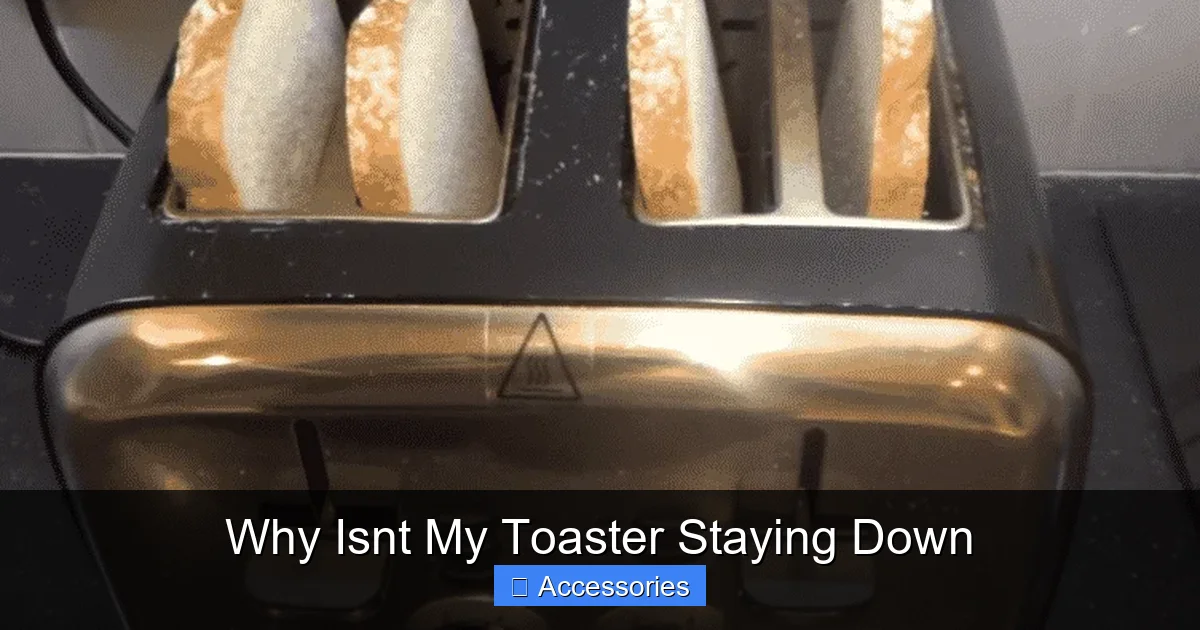
Visual guide about Why Isnt My Toaster Staying Down
Image source: missvickie.com
While most problems stem from mechanical failure, electrical faults can also play a role—especially in older or poorly maintained units. These issues usually require more caution to diagnose safely, but they’re worth ruling out if basic fixes don’t work.
4. Faulty Timer Mechanism
Modern toasters often use electronic timers or bimetallic strips to regulate toasting duration. If the timer fails, the toaster may not recognize that the lever has been lowered, so it never initiates the heating cycle. In some cases, the delay switch—which controls how long the bread stays down—might be stuck or disconnected.
You can test this by manually pressing the lever down and listening for a “click” from the internal switch. If you don’t hear anything, the problem may lie in the wiring or the switch assembly. Again, this is best handled with a multimeter or by consulting a professional—especially if you’re uncomfortable working near live electricity.
5. Power Supply Problems
Even if your toaster looks fine, a loose plug connection or tripped breaker could prevent proper operation. Check that the power cord is securely inserted into the outlet. Try plugging it into a different socket to rule out outlet issues. Also, inspect the cord itself for fraying or cuts—damaged wires pose a fire hazard and must be replaced.
For dual-voltage models (common in international travel), ensure the voltage selector switch is set correctly. An incorrect setting can cause the motor or timer to behave erratically.
Model-Specific Design Flaws and Recalls
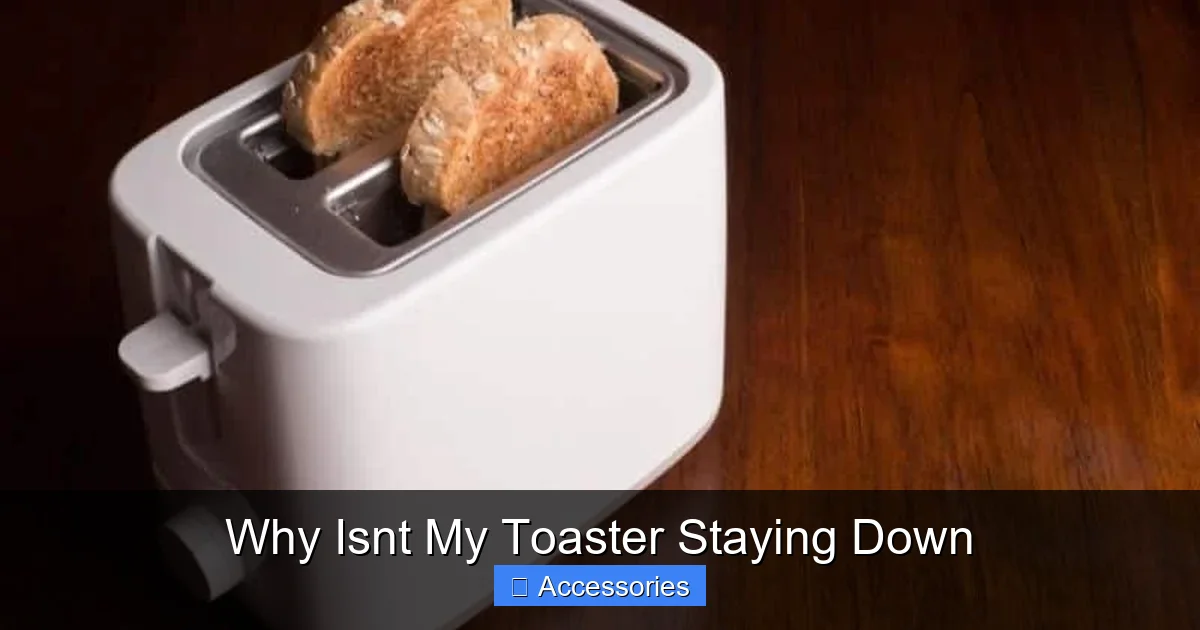
Visual guide about Why Isnt My Toaster Staying Down
Image source: homeguideinfo.com
Not all toasters fail randomly—some suffer from inherent design weaknesses that manufacturers later acknowledge through recalls or redesigns. Researching your specific model can save time and money.
6. Known Spring Tension Issues
Certain brands, such as Cuisinart and Black+Decker, have received consumer reports about premature spring fatigue. In these cases, the manufacturer may offer free replacements under warranty. Visit the official support page for your toaster brand and enter your model number. If a recall notice exists, follow their instructions precisely.
Additionally, reading user forums can reveal patterns. Sites like Reddit’s r/KitchenAppliances or Consumer Reports often compile real-world experiences. Someone else may have already solved your exact problem!
7. Plastic Housing Degradation
Older toasters sometimes develop cracks in the plastic casing around the lever mechanism. Even small fractures can allow dust to enter and interfere with movement. While not always fatal, degraded plastic compromises structural integrity and increases the risk of electrical shorts.
If your toaster is over five years old and showing other signs of wear, consider upgrading. Energy-efficient, self-cleaning models now come standard with improved durability and safety features.
Step-by-Step Troubleshooting Guide
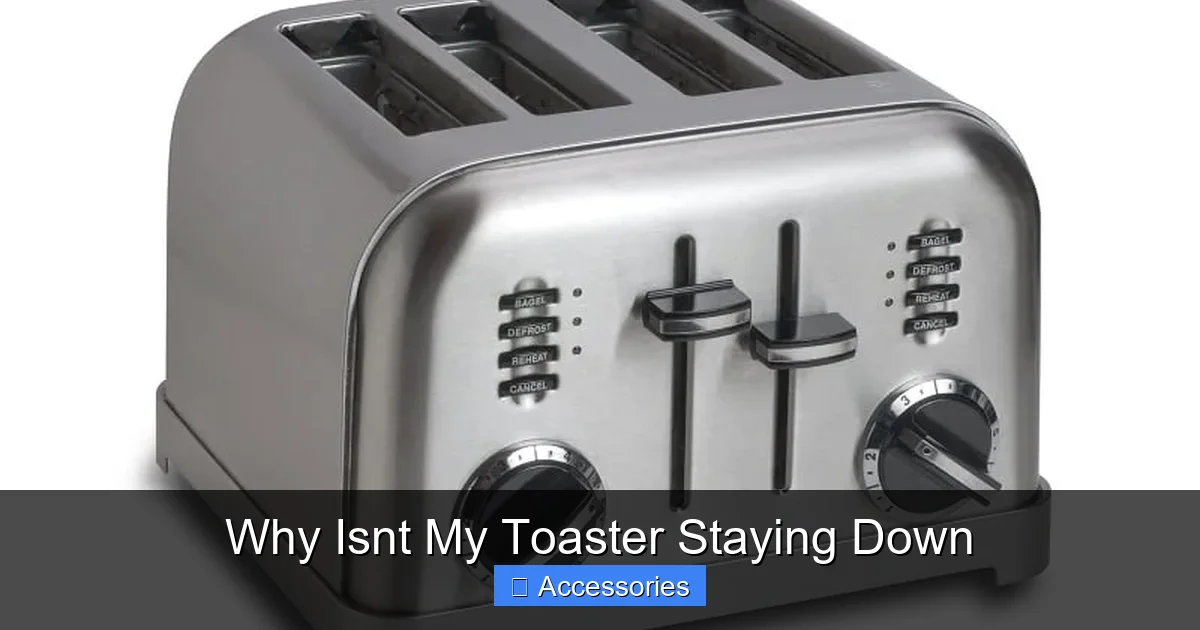
Visual guide about Why Isnt My Toaster Staying Down
Image source: applianceanalysts.com
Before diving into repairs, let’s go through a systematic checklist to identify the root cause. This methodical approach prevents unnecessary disassembly and ensures you address the actual problem.
Step 1: Safety First
Always unplug your toaster before inspecting or cleaning it. Never touch internal components while powered on. Allow the unit to cool completely if it’s recently been used.
Step 2: Visual Inspection
Open the toaster (refer to your manual for safe opening procedures). Look for visible debris, rust, or damage. Check that the lever moves freely without sticking or grinding.
Step 3: Clean Thoroughly
Use compressed air, a dry brush, or a damp cloth (lightly) to remove crumbs and grime. Avoid moisture near electrical parts unless absolutely necessary.
Step 4: Test the Lever
Press the lever down manually. Does it stay down? Does it return smoothly? Listen for unusual sounds like squeaking or clicking.
Step 5: Inspect Springs and Latches
Gently pull the lever to see if springs recoil properly. Replace any visibly damaged components using OEM or compatible parts.
Step 6: Check Connections
Ensure all internal wires are secure. Loose connections can mimic mechanical failure. Tighten screws if needed—but only if you’re confident in your ability.
By following these steps, you’ll narrow down the cause efficiently. Most users find that cleaning alone resolves the issue 70% of the time.
When to Call a Professional vs. DIY Repair
While toasters are relatively simple appliances, there are limits to what you should attempt yourself. Electrical repairs carry risks, especially if you’re not experienced with home wiring or appliance diagnostics.
DIY Is Safe When:
- You’ve identified a broken spring or misaligned lever
- The problem is caused by crumb accumulation
- You’re comfortable handling basic mechanical adjustments
Call a Technician When:
- You suspect internal wiring damage
- The timer or thermostat appears faulty
- Your toaster is still under warranty (DIY voiding coverage)
- You smell burning or see sparks during operation
Remember, safety always comes first. If you’re unsure, consult a certified appliance repair specialist. Many local services offer same-day appointments for common issues like yours.
Preventive Maintenance Tips
Avoid future frustrations by adopting a simple maintenance routine. Prevention is far easier than repair.
Weekly Cleaning
After each use, turn the toaster upside down and tap gently to dislodge crumbs. Use a vacuum hose attachment monthly for deeper cleaning.
Avoid Moisture
Never spray water directly onto the toaster. Instead, wipe surfaces with a slightly damp cloth and dry immediately.
Store Properly
Keep your toaster in a dry area away from high humidity. Moisture promotes rust and corrosion, especially in metal springs.
Use High-Quality Bread
Stale or overly dense bread produces more crumbs. Opt for fresh, uniform slices to minimize mess.
Following these habits extends your toaster’s lifespan significantly and keeps it functioning reliably for years.
Frequently Asked Questions
Why does my toaster keep popping up before the bread is done?
This usually happens because the spring mechanism is either broken or too weak to hold the lever down long enough for toasting. Over time, springs lose tension and fail to maintain pressure on the bread slots. Replacing the spring typically solves the issue.
Can I fix my toaster without buying new parts?
In many cases, yes! Cleaning out crumbs and ensuring the lever moves freely can resolve the problem without additional purchases. However, if the spring is damaged or the latch is bent, replacement parts are necessary for proper function.
Is it dangerous to open my toaster while it’s plugged in?
No, but it’s strongly discouraged. Always unplug the toaster before inspecting or cleaning it. Touching internal components with power on risks electric shock or short circuits, even if the toaster seems off.
How often should I clean my toaster?
We recommend cleaning your toaster weekly. Remove crumbs after each use by turning it upside down and tapping gently. Monthly deep cleaning with a brush or vacuum helps prevent buildup that affects performance.
What if my toaster makes noise but won’t stay down?
This suggests a mechanical obstruction or misalignment. Noise often indicates friction where the lever pivots. Open the toaster and check for debris, then lubricate the pivot point lightly with food-safe oil if needed. Avoid petroleum-based lubricants.
Should I replace my toaster or repair it?
If your toaster is less than five years old and the issue is minor (like a dirty mechanism), repair is usually worth it. For older models with recurring problems or suspected electrical faults, replacing it may be more cost-effective and safer in the long run.